How to use a cPanel FTP account to connect with an FTP client.
This documentation is divided into two frames. FRAME 1: Creating an FTP accountFRAME 2: Downloading an FTP Client and connecting the credentials. Frame 1:



cPanel, WHM

This documentation is divided into two frames. FRAME 1: Creating an FTP accountFRAME 2: Downloading an FTP Client and connecting the credentials. Frame 1:

If you have not read the first part of downloading data, you may first read this post here 1. Login to cPanel of the
2. Select the root folder of your website file, and right click select “Compress”(In this case public_html for primary domain) 3.?A popup box appears
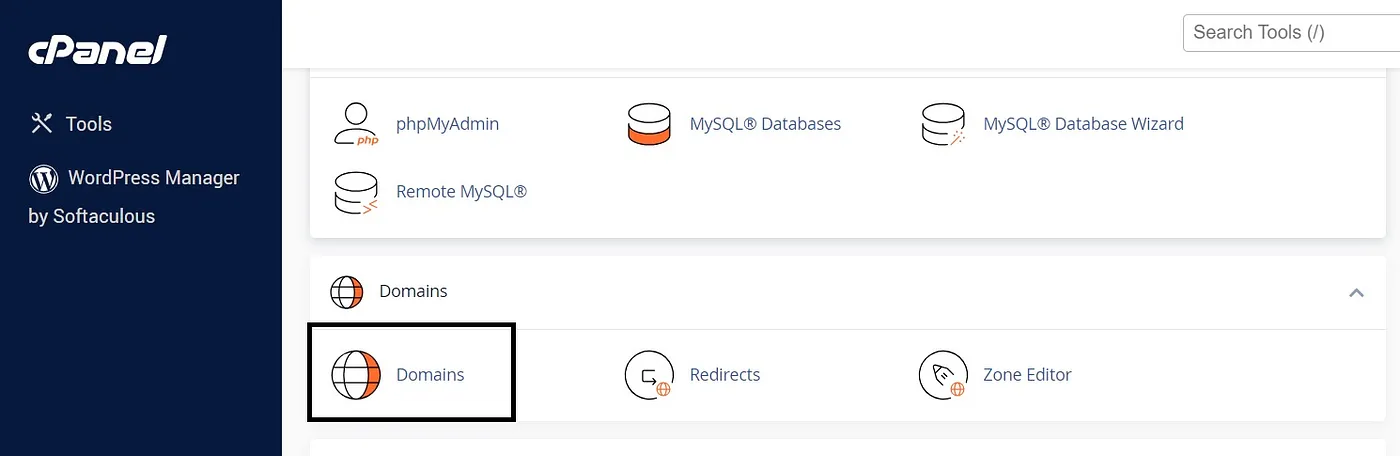
1. Login to cPanel 2. Click Domains, under Domains. 3. Click “Create a new Domain” from top right 4. Enter the domain name under
You cannot copy content of this page